
Communication that
moves with your team.
Give staff a practical way to talk, exchange messages and receive appropriately configured notifications while moving through your facility. Master Com designs, deploys and supports Ascom mobility solutions around your people, spaces and daily work.
Stay in touch.
Keep the work moving.
Healthcare, education, manufacturing, commercial and other facilities all depend on people who are rarely at a desk. The right mobile communication approach starts with what those teams need to do.
Reach a colleague.
Support day-to-day conversations between mobile staff and the people they work with. Plan calling, coverage and device handling around the facility and its users.
Share the next step.
Give teams an appropriate way to exchange information without returning to a workstation. Messaging capabilities depend on the selected devices, applications and configuration.
Bring information to staff.
Where specified, deliver relevant notifications and alerts to assigned staff—for example, a nurse call notification. Define recipients, priorities and response workflows as part of the project.
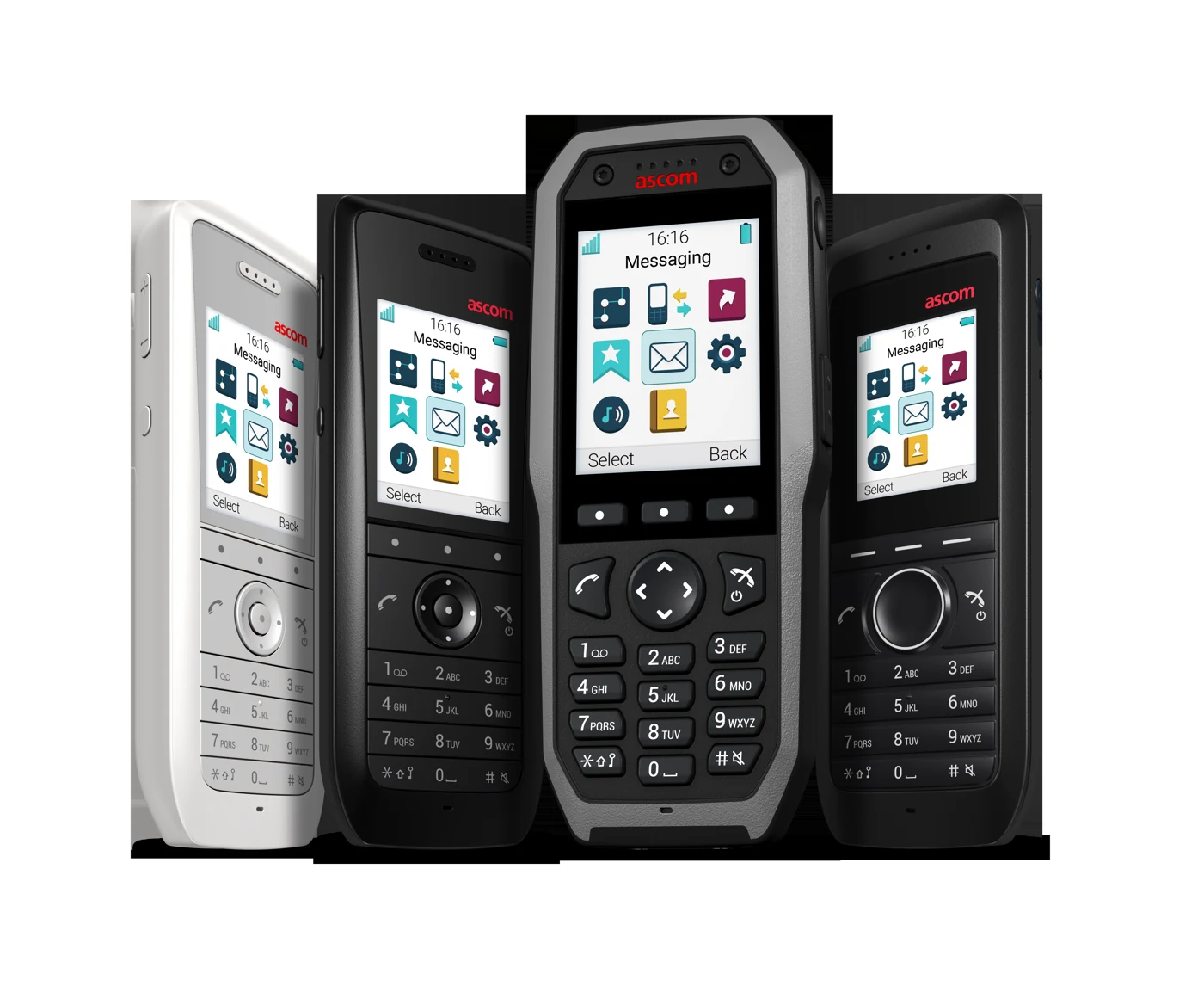
Purpose-built handsets.
Professional smartphones.
DECT and Wi-Fi are both established approaches. We select the devices and infrastructure to fit your requirements rather than treating one technology as the default answer.
Focused communication.
Dedicated handsets bring voice and supported messaging functions to staff who need a practical communication tool throughout their shift.
- d63 DECTA commonly supplied DECT handset option, selected according to the communication task and DECT infrastructure.
- i63 VoWiFiA commonly supplied Wi-Fi handset option, selected according to the communication task and customer-provided Wi-Fi infrastructure.
- d43 & d83 DECTAdditional options for appropriate applications, with the device and variant matched to the working environment.
More of the workflow in hand.
The current Myco smartphone generation brings voice, messaging and supported applications into a professional mobile device. Master Com supplies all three variants:
We establish the required applications, connectivity and device features before selecting the variant and configuring the deployment.
Functions vary by device, variant, software, licensing and infrastructure. We can also review existing Ascom installations and discuss support and upgrade options.
A mobile device.
Part of a wider workflow.
Ascom Unite is communication middleware connecting devices, systems, messaging and workflows. In an appropriately configured project, Ascom nurse call, Unite and wireless mobility can work together to bring relevant information to staff.
Master Com can address the broader Unite portfolio with Ascom’s technical resources and support. Supported connections, application requirements and notification workflows are established for each project, together with the teams responsible for their operation.
Explore Nurse Call Systems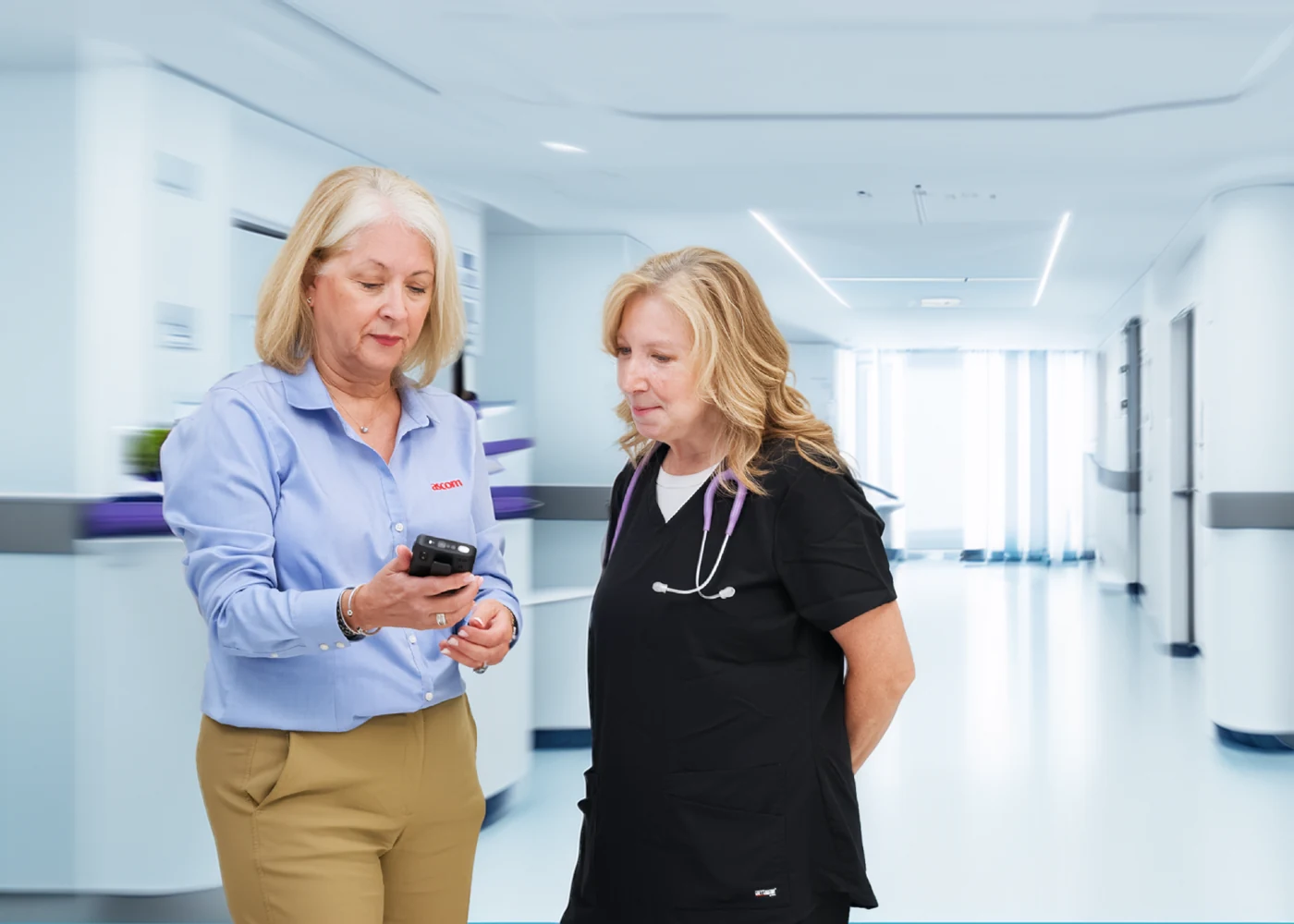
Devices and coverage.
Clear responsibilities.
DECT infrastructure
Master Com plans and lays out the DECT infrastructure, deploys the system and validates coverage against the agreed facility requirements.
Wi-Fi coordination
Customer IT or its networking provider is responsible for Wi-Fi infrastructure design, wireless surveys and coverage. Master Com coordinates network requirements and Ascom device and application deployment with that team.
Certain Ascom mobility solutions offer manufacturer-supported personal safety and alarm options. Capabilities depend on the selected devices, infrastructure, configuration and response arrangements; they do not constitute a guaranteed emergency response system.
From the first conversation
to ongoing support.
- 01 / UNDERSTAND
Map the need.
Review staff roles, communication tasks, facility conditions and existing systems.
- 02 / PLAN
Define the fit.
Select devices and applications, plan DECT infrastructure and coordinate Wi-Fi requirements with customer IT.
- 03 / DEPLOY
Bring it together.
Deploy and configure the agreed solution, integrate supported workflows, and establish testing and user training.
- 04 / SUPPORT
Keep it useful.
Provide troubleshooting, maintenance, configuration assistance and upgrade planning as operational needs evolve.
Let’s keep your people connected.
Planning a new mobile communication system or reviewing an existing installation? Tell us how your staff work and what they need to accomplish.