
Nurse Call Systems.
Designed around care.
A call for assistance is part of a larger care workflow. Master Com helps hospitals, skilled nursing and senior-care facilities plan Ascom nurse call systems around their people, spaces and operating needs.
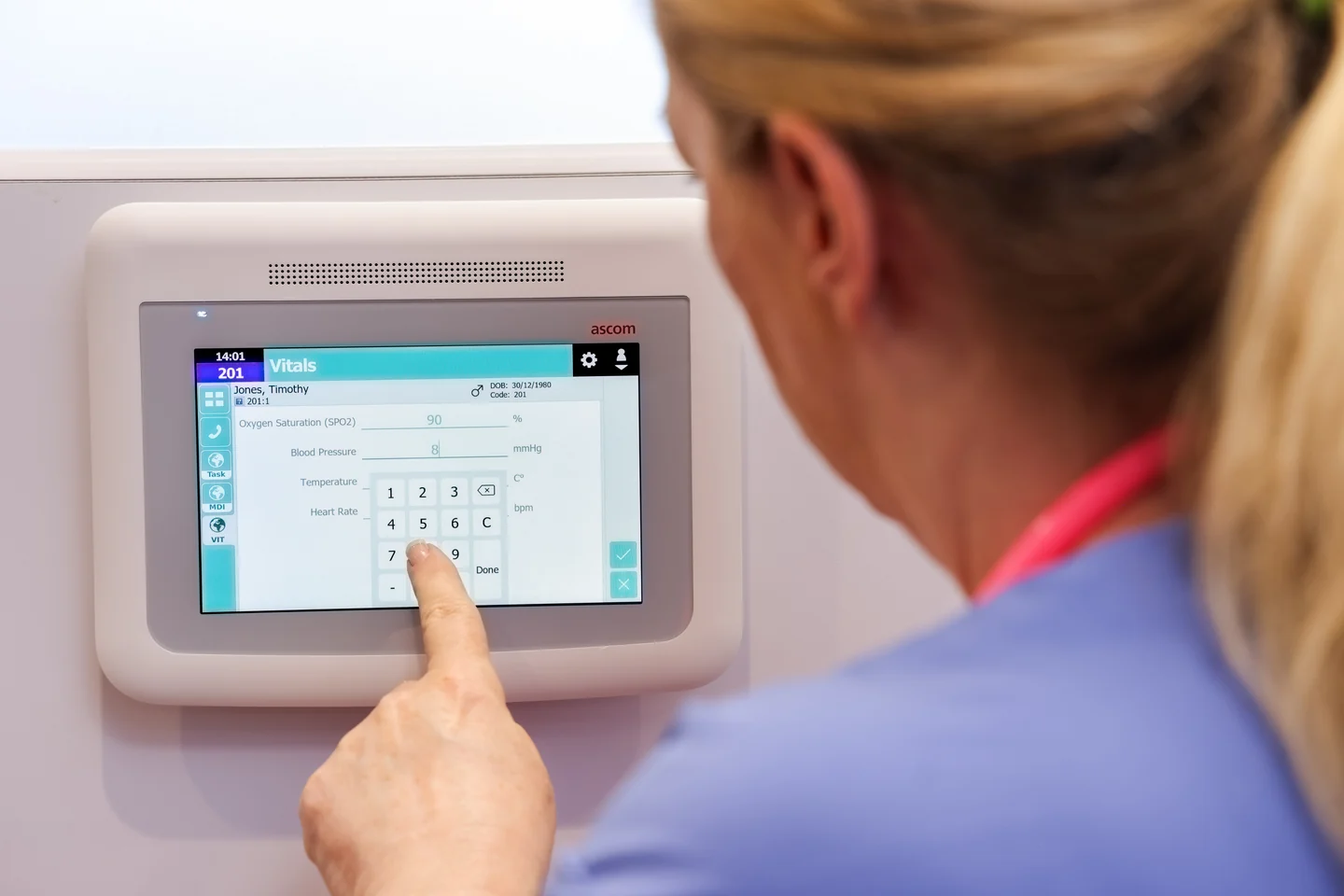
- 01 / REQUESTAsk for assistance
- 02 / NOTIFYReach the care team
- 03 / RESPONDSupport the person
Illustrative workflow. Notification and response processes are defined for each project.
The right system starts
with the right questions.
A hospital unit and an assisted living community do not work in the same way. Before choosing equipment, we look at how assistance is requested, how staff communicate and what the facility needs to support over time.
Our role is to engineer an appropriate solution, not sell a checklist of features.
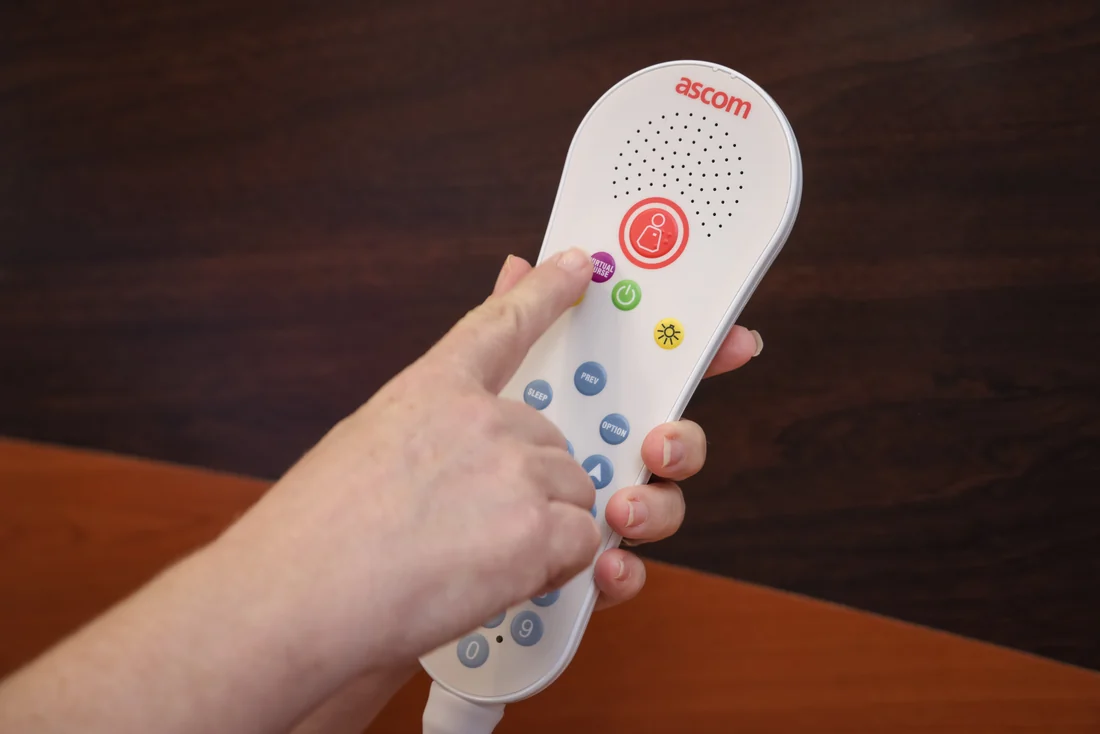
- 01Who needs to communicate?
Consider patients, residents, caregivers and the people supporting the facility.
- 02How should a request be handled?
Define notification, response and escalation requirements with the care team.
- 03What needs to work together?
Review existing infrastructure, applicable integrations and plans for future changes.
Ascom nurse call.
Selected for your setting.

Ascom Telligence
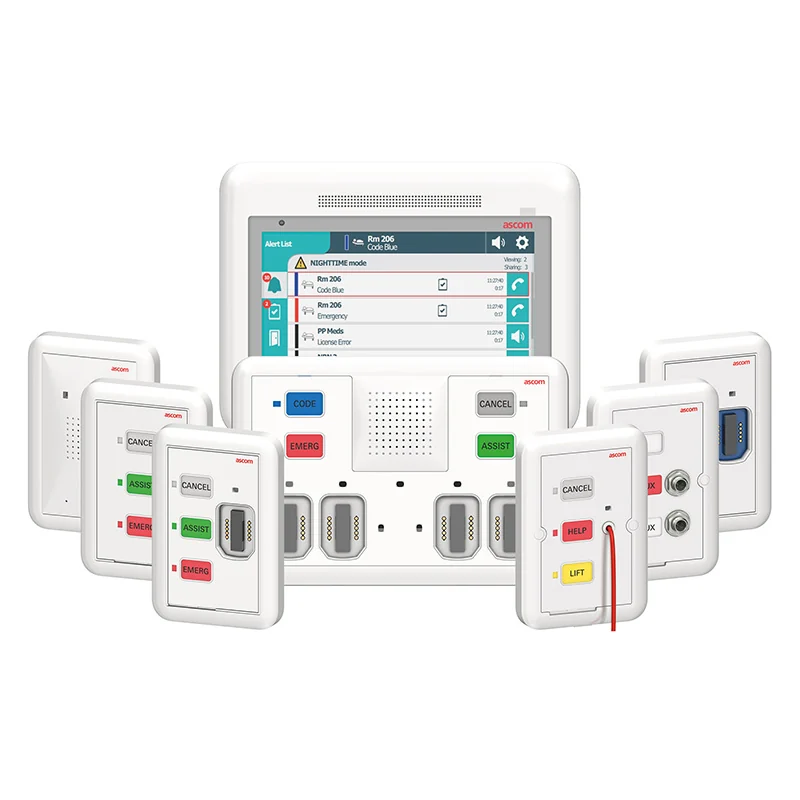
Patient and resident assistance, connected to the care team.
Telligence is Master Com’s primary nurse call platform for hospitals and skilled nursing facilities. We design around bedside and room communication, caregiver workflows and the requirements of the care environment.
- Patient and resident assistance
- Caregiver communication and response workflows
- Project-specific room and bedside options
Applicable features and integrations are selected to fit the facility and the supported system configuration.
Explore Telligence at AscomAscom teleCARE IP
Resident assistance that fits the community’s way of caring.
Master Com primarily positions teleCARE IP for assisted living and other senior-care settings. Planning starts with how residents request help and how caregivers receive and manage those notifications.
- Resident assistance and caregiver notification
- Room-based and wearable call options, where specified
- Notification and escalation processes suited to staffing
We consider the community’s layout, resident needs and communication requirements when defining the system.
Explore teleCARE IP at AscomThese are primary application focuses, not exclusive limitations. Platform selection and available capabilities depend on the requirements of each facility.
Connected clinical communications.
Nurse call may form part of a broader communications environment. We review the connections that would be useful to your team and establish what is supported before including them in the design.
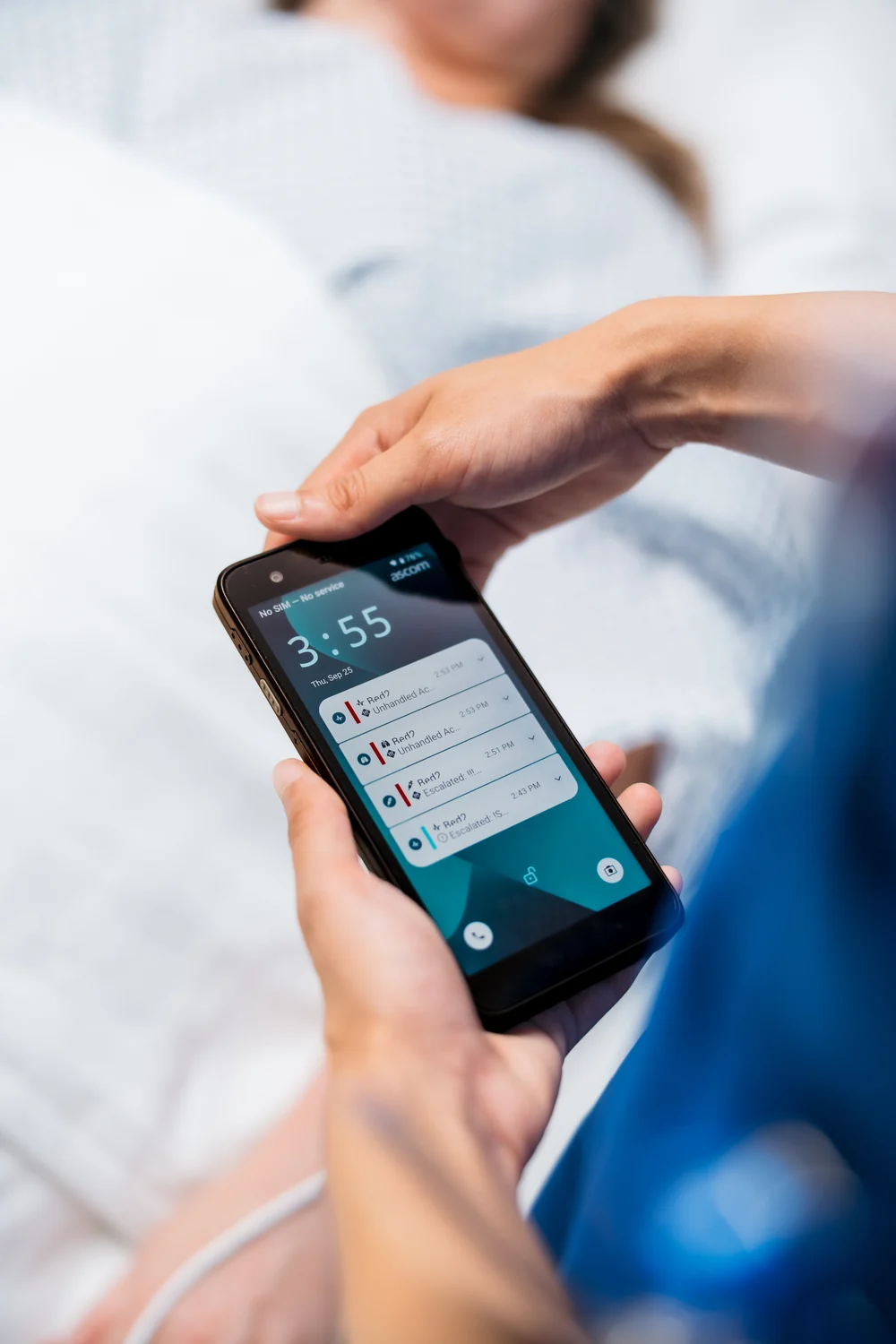
Caregiver mobility
Consider how supported mobile devices and wireless communications could fit caregiver notification workflows.
Wireless telephonyStaff location
Evaluate applicable staff-location technologies and workflow connections against the facility’s requirements.
Real-time location systemsClinical systems
Identify the clinical systems involved, the intended information flow and the specialist resources required.
Discuss integration needsEngineer the solution.
Support the relationship.
More than an equipment order: a practical process that connects facility requirements with installation, operation and ongoing technical support.
- 01 / UNDERSTAND
Listen & evaluate.
Review facility needs, users, workflows and existing infrastructure before defining the project.
- 02 / DESIGN
Plan the right fit.
Select an appropriate system and coordinate applicable integration requirements with the project team.
- 03 / IMPLEMENT
Bring it into use.
Install and configure the system. The agreed scope may include testing, commissioning and user training.
- 04 / SUPPORT
Stay involved.
Provide maintenance, troubleshooting and repair, upgrades and training as needs evolve.
Start with the environment you serve.
Let’s talk about your facility.
Planning a new nurse call system or reviewing an existing one? Tell us how your facility works and what your team needs.